

Documentation Index
Fetch the complete documentation index at: https://react.email/docs/llms.txt
Use this file to discover all available pages before exploring further.
Using monorepos? Then, we recommend following the monorepo setup.
1. Install
We recommend usingcreate-email, which sets up everything automatically for you.
react-email-starter with a few email templates.
2. Run locally
First, install the dependencies:3. See changes live
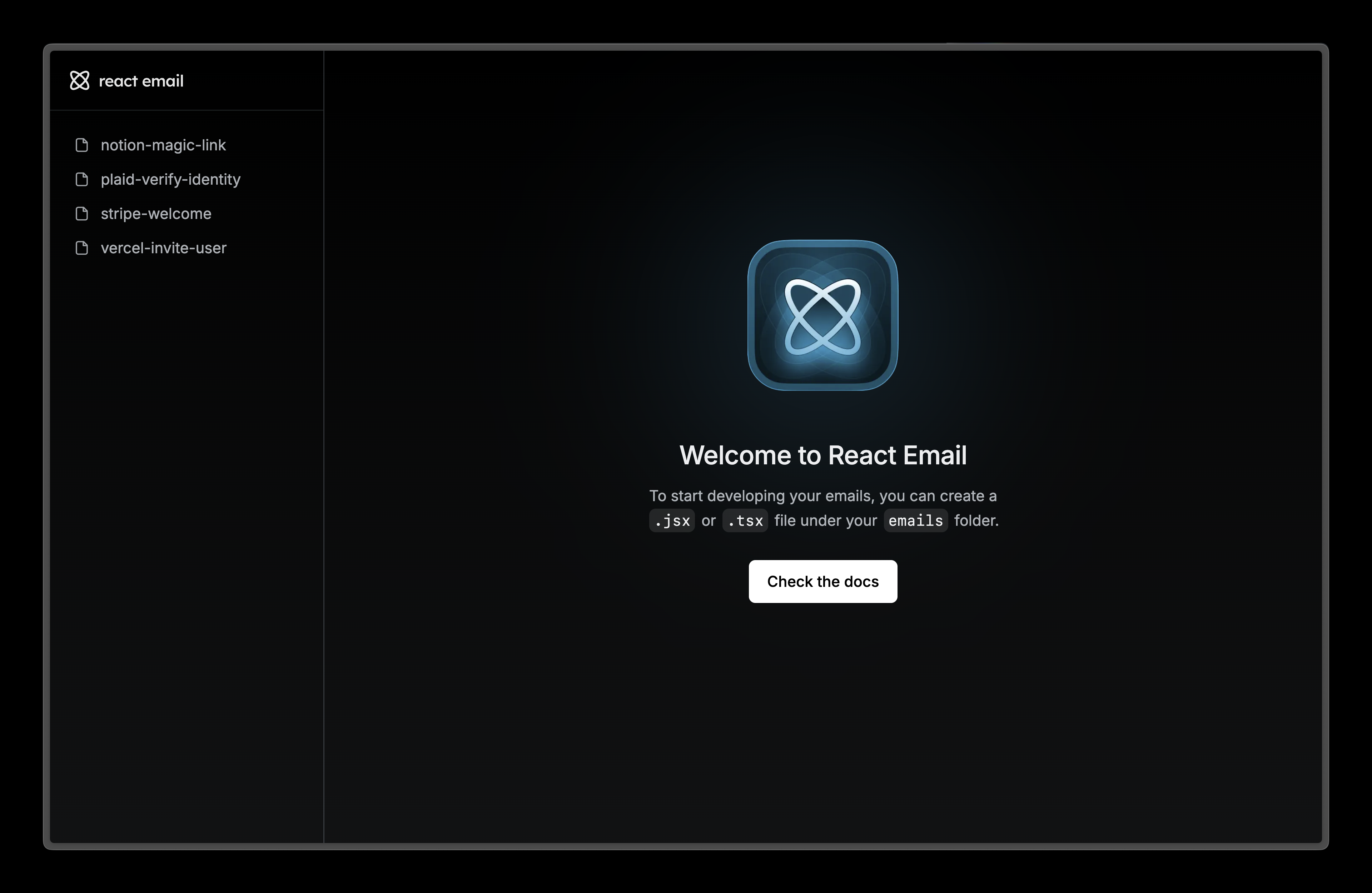
Visit localhost:3000 and edit any of the files on theemails folder to see the changes.
4. Next steps
Try adding these other components to your email.Image
Display an image in your email.
Link
A hyperlink to web pages or anything else a URL can address.
Divider
Display a divider that separates content areas in your email.
Preview
A preview text that will be displayed in the inbox of the recipient.